Animated Discord emoji generator
Animated Discord emoji maker
Describe the emoji, pick Animated, and get a looping GIF that is already Discord-sized: 128x128 pixels and 30 to 60 KB, under the 256 KB cap, with no compression step. Every Discord server has animated emoji slots from day one; the catch is who gets to type them.
Uploading needs Manage Expressions in that server. Using an animated emoji in a message needs Discord Nitro; everyone can see it once it is posted.
Emojis you create are public and may appear in Explore.
Animated emojis people have made
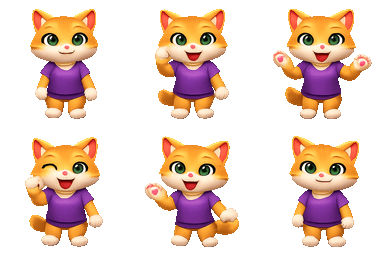
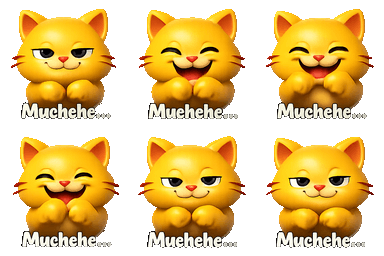
Real output from the generator, each one a 6-frame loop. Tap one to download it.




How to add an animated emoji to Discord
- 1
Make the loop with Animated on and save the GIF; it is already under 256 KB.
- 2
Open Server Settings, then Emoji, and upload it into an animated slot.
- 3
Name it; it appears in the picker for that server as :name:.
- 4
Nitro members can type it anywhere; others see it in messages and reactions.
Worth knowing before you upload
- An unboosted server has 50 animated slots next to its 50 static ones. Boosting adds slots; it does not change who can use them.
- Non-Nitro members cannot send an animated custom emoji, even in the server it was uploaded to. They can react with it and see it.
- Discord downsizes to 128 px on upload. A file already at 128 keeps its edges; a large GIF gets blurred by the resample.
How the animation is made
1. Describe one motion
A wave, a bounce, a spin, a dance. One action reads clearly at emoji size; a whole scene does not.
2. One drawing, six frames
The model draws a single 6-frame sheet of one picture, so the subject and colours match frame to frame instead of drifting.
3. Download for Discord
The loop is cut and encoded as a 128px GIF at 30 to 60 KB, then added with the steps above.
Animated Discord emoji FAQ
Do I need Nitro to add an animated emoji to my Discord server?
No. Adding one needs the Manage Expressions permission in that server and a free animated slot. Nitro is what a member needs to type the animated emoji into a message.
How many animated emoji can a Discord server have?
Fifty on an unboosted server, in a pool separate from the fifty static slots. Boost level one raises both to 100, level two to 150 and level three to 250.
What size does a Discord animated emoji have to be?
Under 256 KB, and Discord displays it at 128 by 128 pixels. A generated four-frame loop is well under a quarter of that limit, so size is not the thing to worry about; readability at 32 pixels is.