AI Party Emoji Generator
Party emoji maker
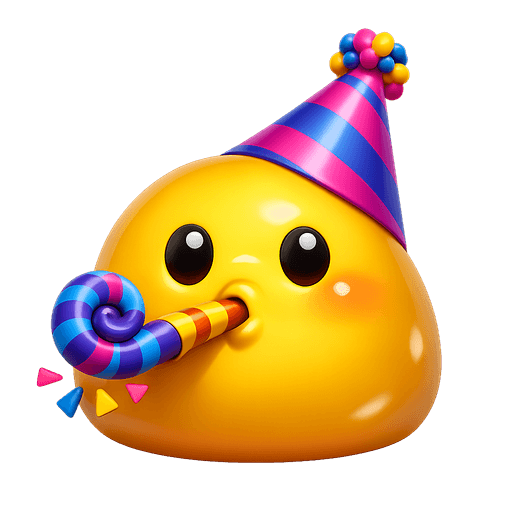
Party emoji are confetti and a hat. A character with a cone hat, a blower, or a raised cup under falling confetti reads as celebration at any size. The confetti should be a few big pieces, not glitter.
Emojis you create are public and may appear in Explore.
Want it to move? Make an animated party emoji, a looping GIF from the same sentence.
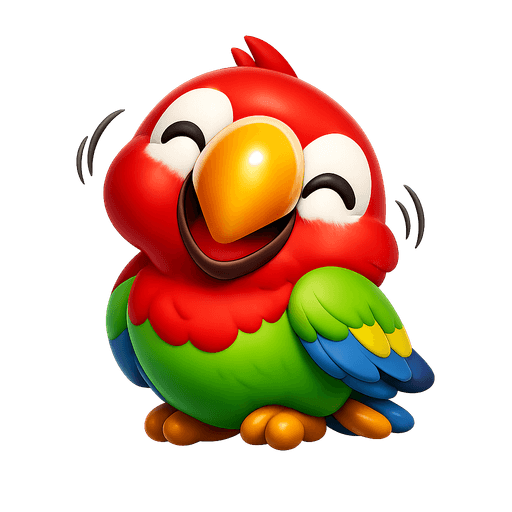
Ready-made party emojis
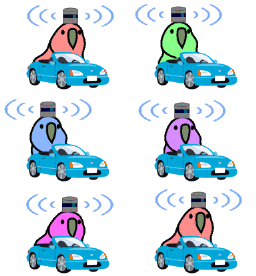
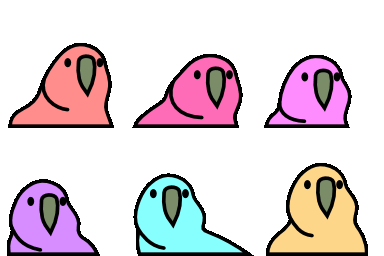
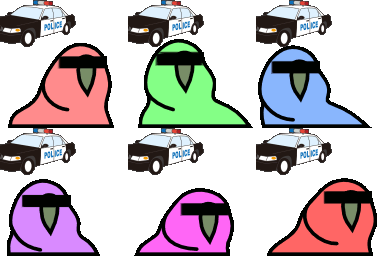
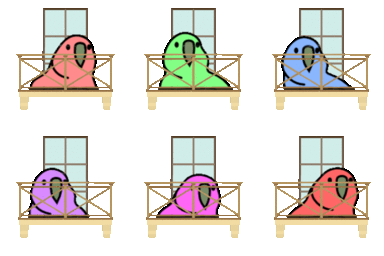
Free party emojis you can download right now - or generate your own above.








How to make a party emoji
1. Describe your party
Type what you want - for example “Blob in a party hat blowing a party horn”. Add colors, mood, or style for a personal touch.
2. Generate with AI
Our AI renders a glossy, transparent party emoji in about a minute. Tweak the prompt and regenerate any time.
3. Download & use
Save the PNG and add it to Slack, Discord, WhatsApp, or any app as a custom party emoji or sticker.
Tips for a great party emoji
- • Lead with the subject: start your prompt with “party”.
- • Add one clear emotion or action - happy, angry, dancing, waving.
- • Name a style: 3D, pixel art, sticker, flat, or claymation.
- • Mention an accessory or color to make your party emoji unique.
- • Keep it to one subject so the emoji stays crisp at small sizes.
Where to use a party emoji
Every party emoji downloads as a transparent PNG, so it drops cleanly into a Slack or Discord custom-emoji slot, a WhatsApp or iMessage sticker, a Notion or Figma board, a Twitch or YouTube channel, or anywhere you’d use a reaction. Generate a set of party emojis to give your team chat or community its own personality.
Party emoji FAQ
What is the difference between a party emoji and a celebration emoji?
Party is the event: hats, confetti, a horn. Celebration is the feeling: arms up, a trophy, a cheer. A team usually wants both, one for 'we launched' and one for 'Friday'.
How much confetti is too much?
More than about eight pieces. At 32 pixels confetti becomes speckles, so ask for 'a few large pieces of confetti' and the celebration stays readable.
How do I make a party emoji?
Type a description of the party emoji you want into the box above and press generate. Our AI creates a custom, transparent-background party emoji in about a minute, which you can download as a PNG and add to Slack, Discord, or any app.
Are these party emojis free to use?
You can browse and download our 18+ ready-made party emojis for free. AI-generated custom party emojis use generation credits, with your first creation available to try at no cost.
What format are the party emojis?
Generated party emojis are high-resolution PNG files with transparent backgrounds, sized perfectly for chat apps, custom Slack/Discord emoji slots, stickers, and reactions.