AI Rocket Emoji Generator
Rocket emoji maker
The rocket is the launch-and-ship emoji, so the custom one should keep the classic silhouette (nose cone, two fins, flame) and change one thing: the colour, a face, a passenger, or what is coming out of the back.
Emojis you create are public and may appear in Explore.
Want it to move? Make an animated rocket emoji, a looping GIF from the same sentence.
Ready-made rocket emojis
Free rocket emojis you can download right now - or generate your own above.



How to make a rocket emoji
1. Describe your rocket
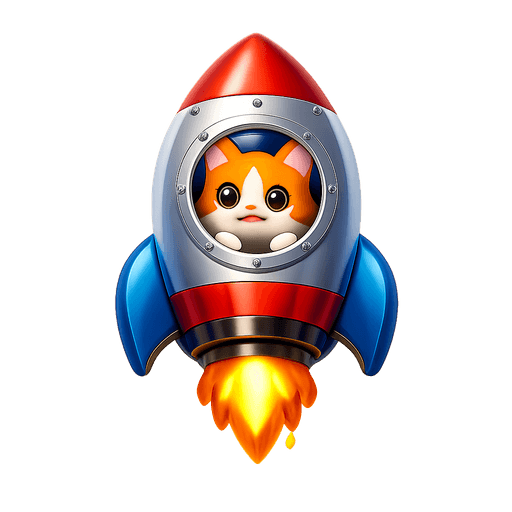
Type what you want - for example “Rocket with a cat looking out of the window”. Add colors, mood, or style for a personal touch.
2. Generate with AI
Our AI renders a glossy, transparent rocket emoji in about a minute. Tweak the prompt and regenerate any time.
3. Download & use
Save the PNG and add it to Slack, Discord, WhatsApp, or any app as a custom rocket emoji or sticker.
Tips for a great rocket emoji
- • Lead with the subject: start your prompt with “rocket”.
- • Add one clear emotion or action - happy, angry, dancing, waving.
- • Name a style: 3D, pixel art, sticker, flat, or claymation.
- • Mention an accessory or color to make your rocket emoji unique.
- • Keep it to one subject so the emoji stays crisp at small sizes.
Where to use a rocket emoji
Every rocket emoji downloads as a transparent PNG, so it drops cleanly into a Slack or Discord custom-emoji slot, a WhatsApp or iMessage sticker, a Notion or Figma board, a Twitch or YouTube channel, or anywhere you’d use a reaction. Generate a set of rocket emojis to give your team chat or community its own personality.
Rocket emoji FAQ
Why make a custom rocket when the built-in one exists?
Teams wear out the default rocket on every deploy. A rocket in the team colour, or with the mascot on board, becomes the 'we shipped' reaction that is recognisably theirs.
Angle or straight up for a rocket emoji?
Tilted about thirty degrees reads as motion; straight up reads as a diagram. The flame should be nearly as big as the body so it is visible at small sizes.
Can I customize the rocket emoji style?
Yes. Add details to your prompt - colors, accessories, mood, or art style - and the generator will tailor the rocket emoji to match. Try the example prompts above to get started.
Where can I use a rocket emoji?
Anywhere that accepts an image: Slack and Discord custom-emoji slots, WhatsApp and Telegram stickers, Twitch emotes, Microsoft Teams reactions, Notion, and more. The transparent PNG drops in cleanly on light or dark backgrounds.
How do I make a rocket emoji?
Type a description of the rocket emoji you want into the box above and press generate. Our AI creates a custom, transparent-background rocket emoji in about a minute, which you can download as a PNG and add to Slack, Discord, or any app.