AI Halloween Emoji Generator
Halloween emoji maker
Halloween is the one theme with a ready-made emoji vocabulary: pumpkin, ghost, bat, skull, cauldron. A custom one should combine two, or put a face on something unexpected, so it is not the built-in jack-o'-lantern again.
Emojis you create are public and may appear in Explore.
Ready-made halloween emojis
Free halloween emojis you can download right now - or generate your own above.
How to make a halloween emoji
1. Describe your halloween
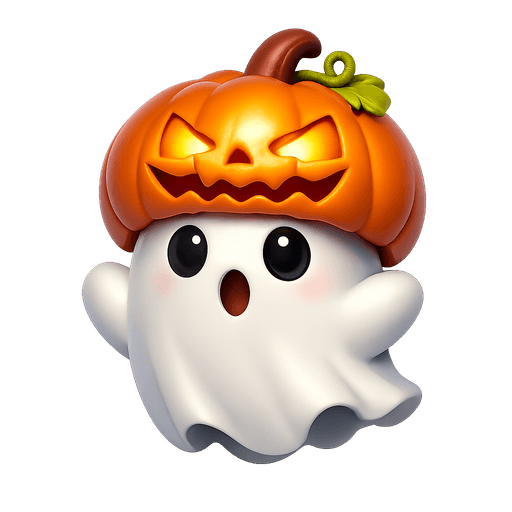
Type what you want - for example “Ghost wearing a pumpkin as a hat”. Add colors, mood, or style for a personal touch.
2. Generate with AI
Our AI renders a glossy, transparent halloween emoji in about a minute. Tweak the prompt and regenerate any time.
3. Download & use
Save the PNG and add it to Slack, Discord, WhatsApp, or any app as a custom halloween emoji or sticker.
Tips for a great halloween emoji
- • Lead with the subject: start your prompt with “halloween”.
- • Add one clear emotion or action - happy, angry, dancing, waving.
- • Name a style: 3D, pixel art, sticker, flat, or claymation.
- • Mention an accessory or color to make your halloween emoji unique.
- • Keep it to one subject so the emoji stays crisp at small sizes.
Where to use a halloween emoji
Every halloween emoji downloads as a transparent PNG, so it drops cleanly into a Slack or Discord custom-emoji slot, a WhatsApp or iMessage sticker, a Notion or Figma board, a Twitch or YouTube channel, or anywhere you’d use a reaction. Generate a set of halloween emojis to give your team chat or community its own personality.
Halloween emoji FAQ
What Halloween emoji do chats actually use?
The pumpkin, the ghost and the skull, in that order, as reactions to anything spooky, scary-deadline or just October. A custom version of any of the three gets used more than a niche monster.
How do I make a cute Halloween emoji rather than a scary one?
Round shapes and big eyes. A ghost with rosy cheeks, a pumpkin with a shy smile, a bat with oversized ears. Sharp teeth and narrow eyes are what make it scary.
Can I customize the halloween emoji style?
Yes. Add details to your prompt - colors, accessories, mood, or art style - and the generator will tailor the halloween emoji to match. Try the example prompts above to get started.
Where can I use a halloween emoji?
Anywhere that accepts an image: Slack and Discord custom-emoji slots, WhatsApp and Telegram stickers, Twitch emotes, Microsoft Teams reactions, Notion, and more. The transparent PNG drops in cleanly on light or dark backgrounds.
How do I make a halloween emoji?
Type a description of the halloween emoji you want into the box above and press generate. Our AI creates a custom, transparent-background halloween emoji in about a minute, which you can download as a PNG and add to Slack, Discord, or any app.